Admin Console
Admin Console is an entry point to the ATP platform. It has 3 major features.
- Client Management
- Project Management
- IDAM
Client Management
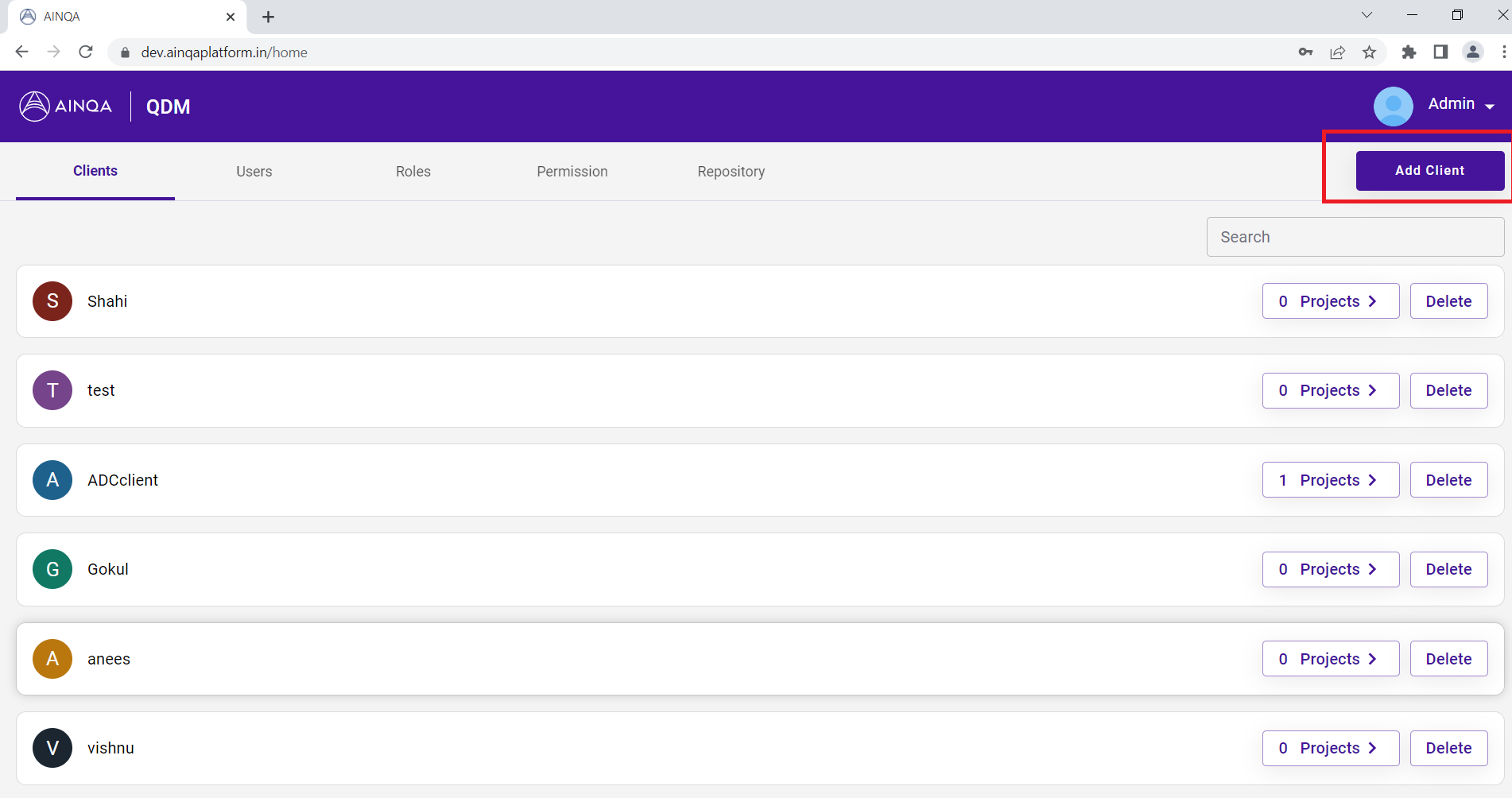
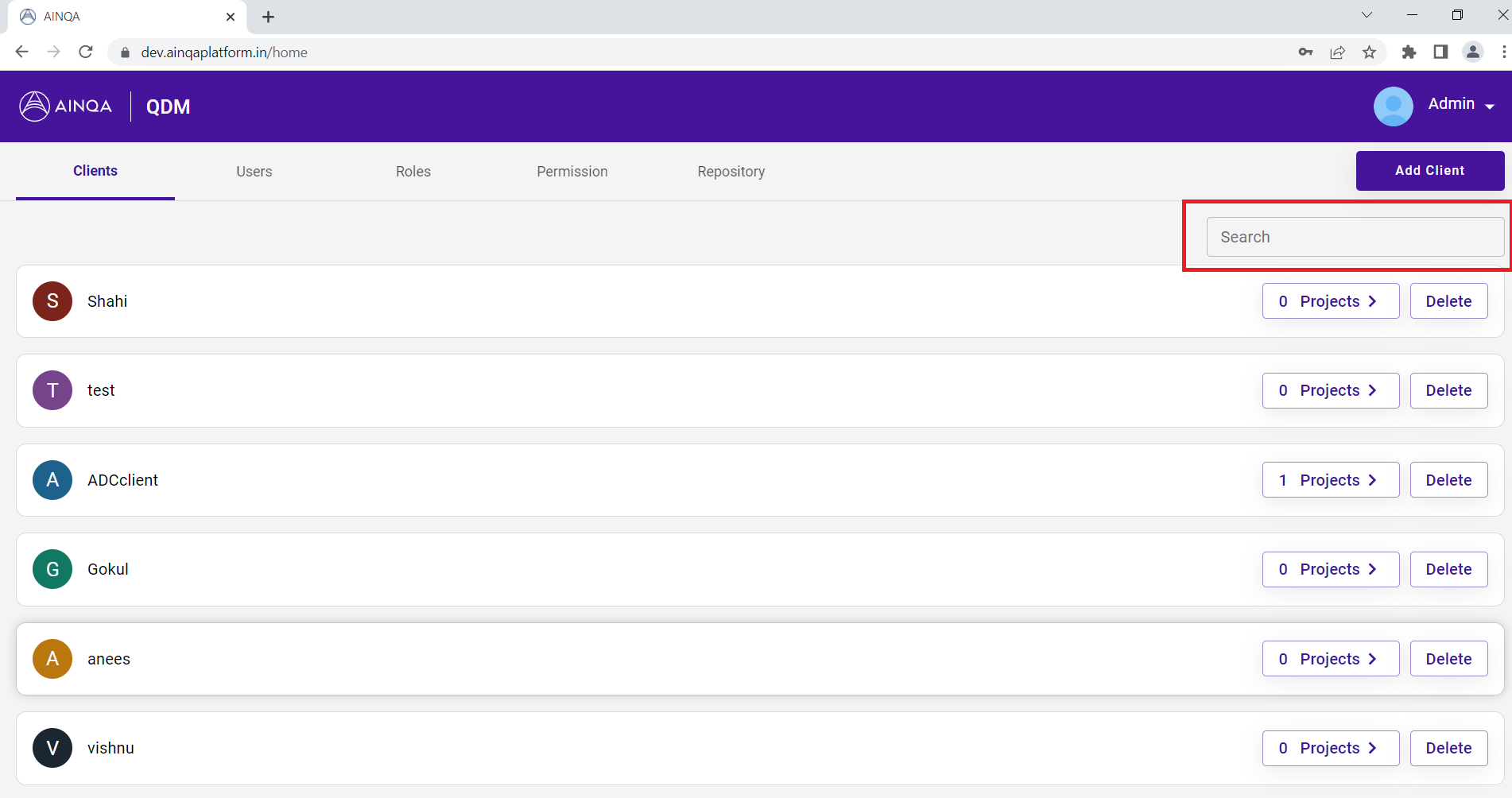
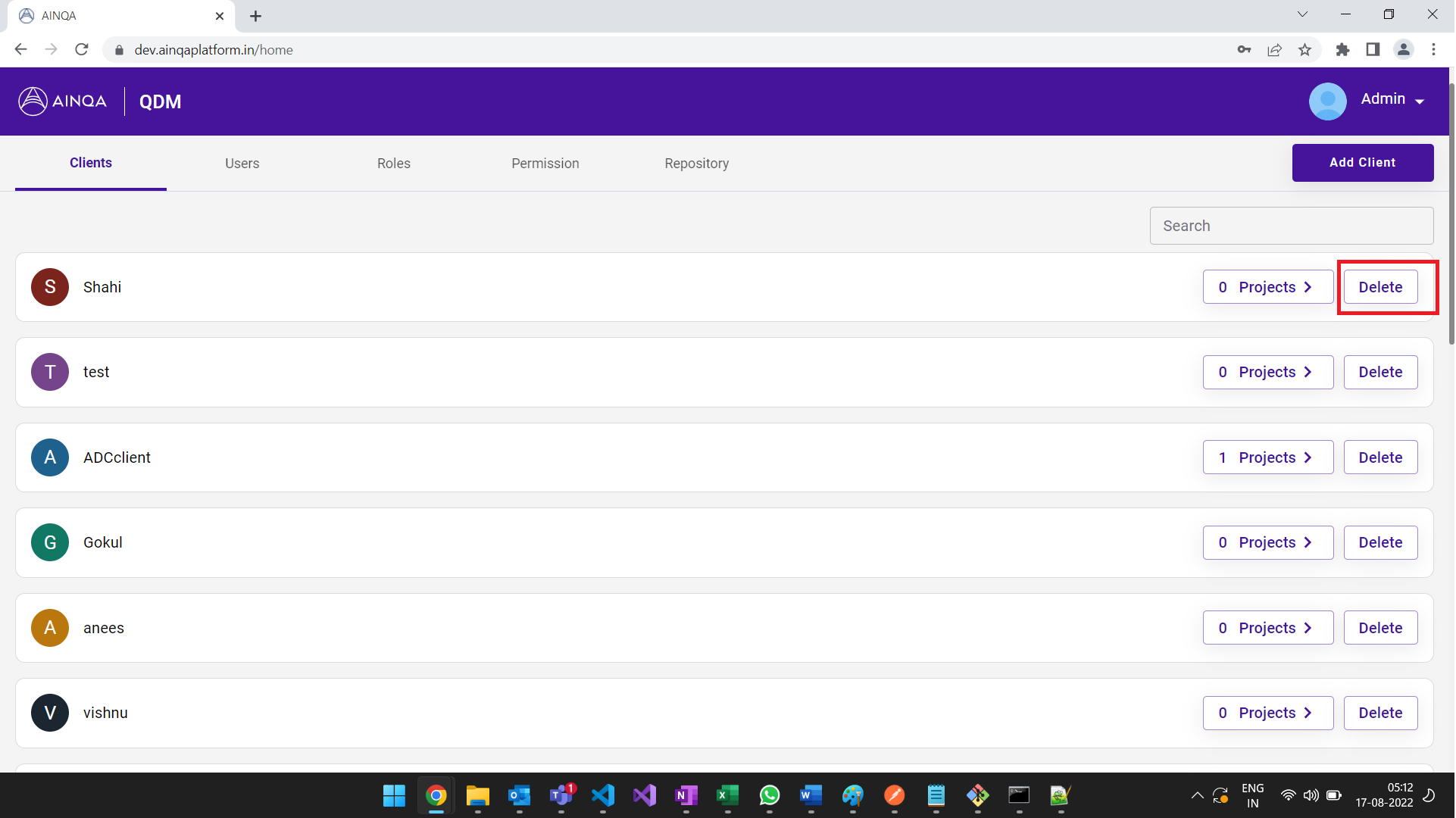
It enables ATP admin to setup & manage (add, search, delete) initial client workspace on ATP platform.
Add Client
Search Client
Delete Client
Project Management
It enables ATP admin to setup & manage (add, edit, delete) initial project workspace on ATP platform.
Add Project
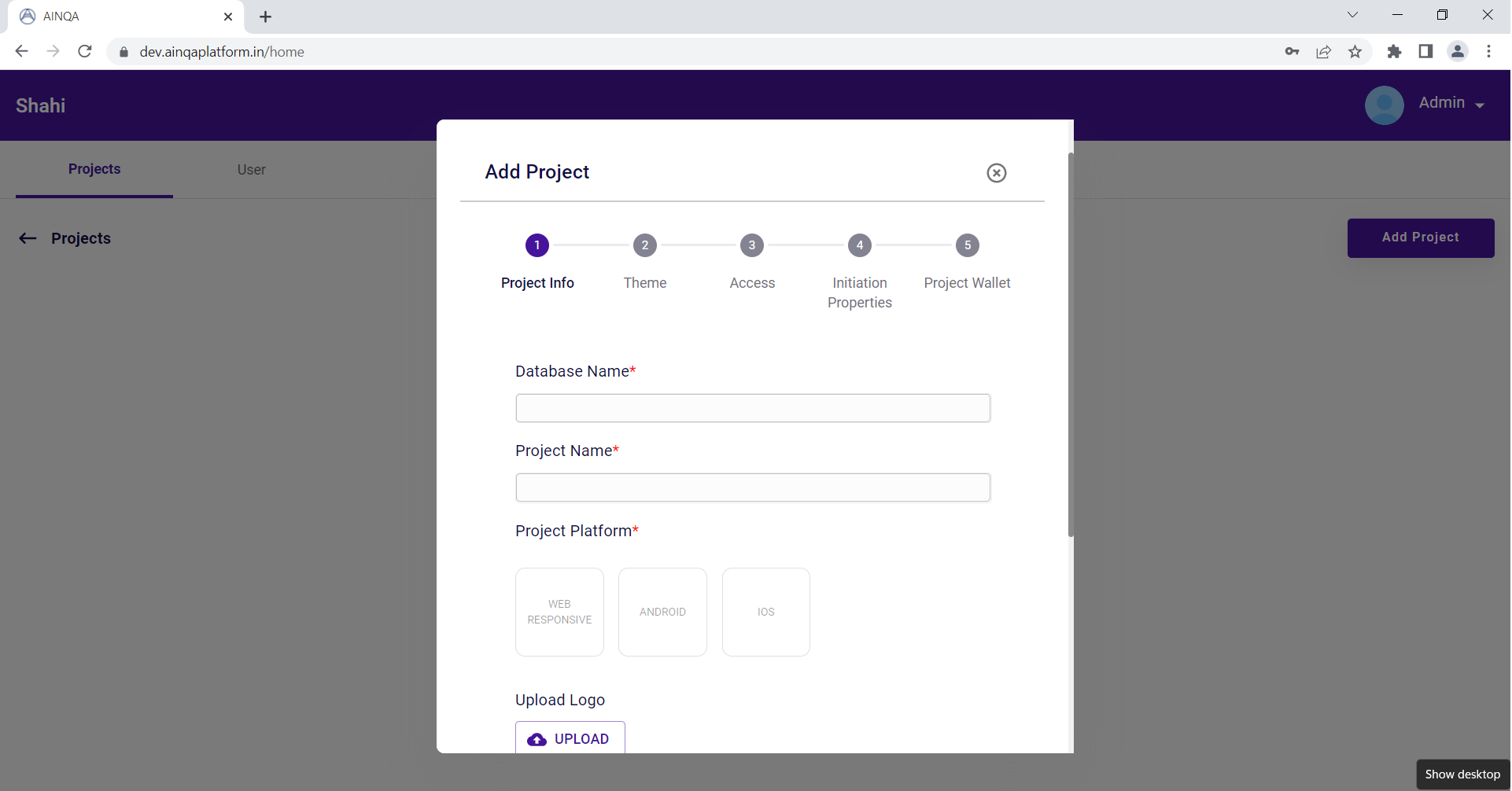
Edit Project
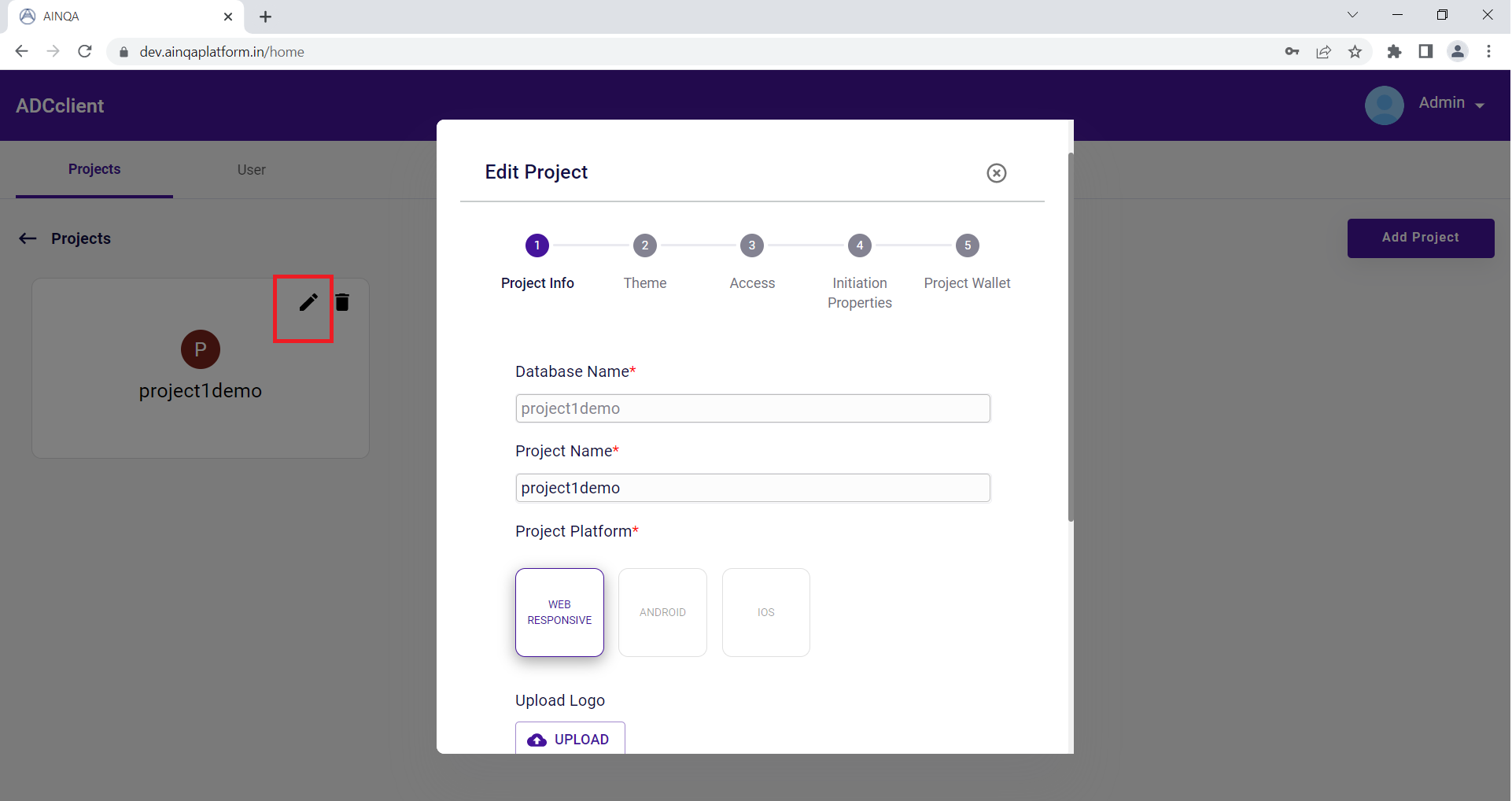
Delete Project
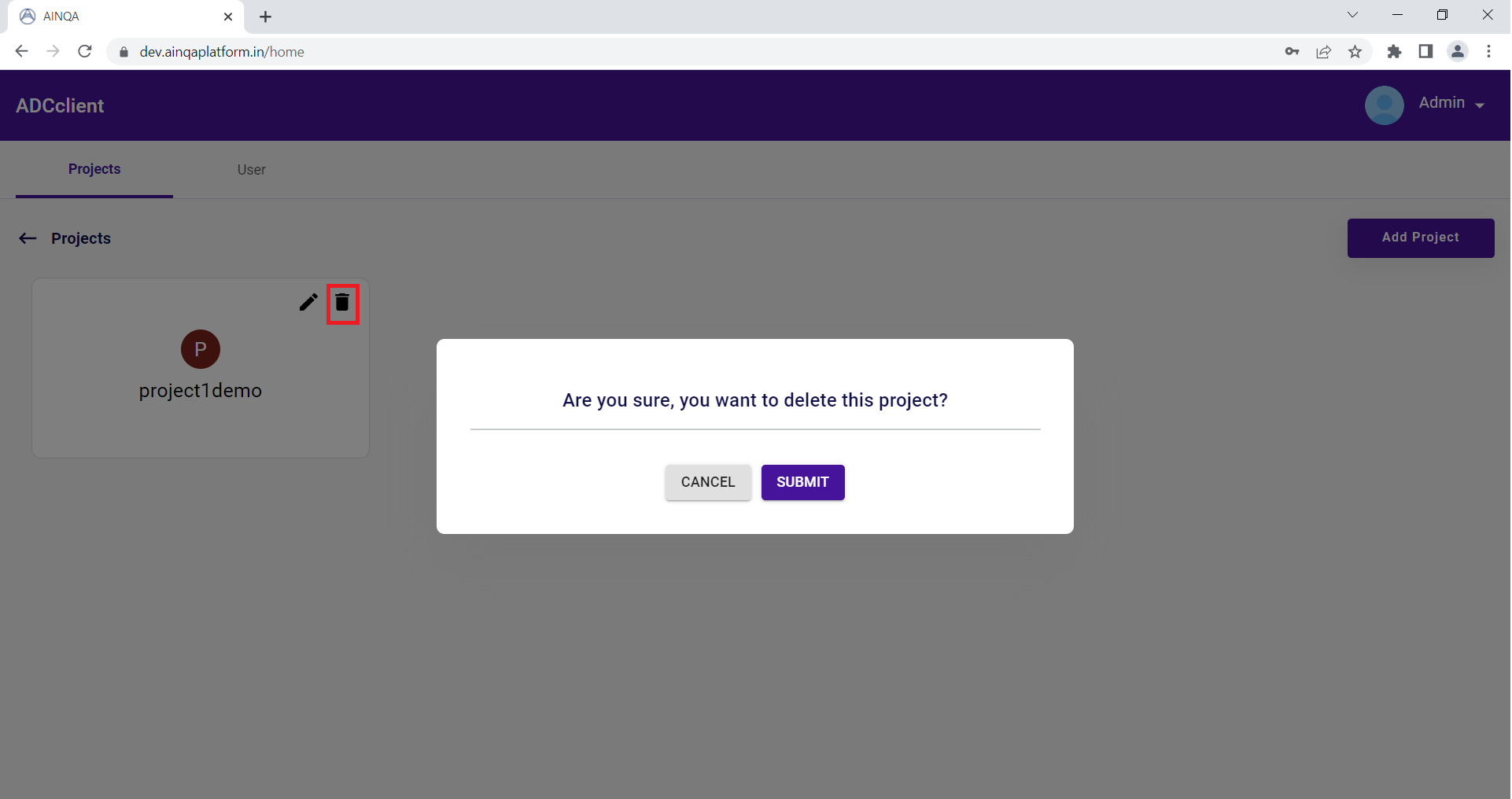
Identity and Access Management
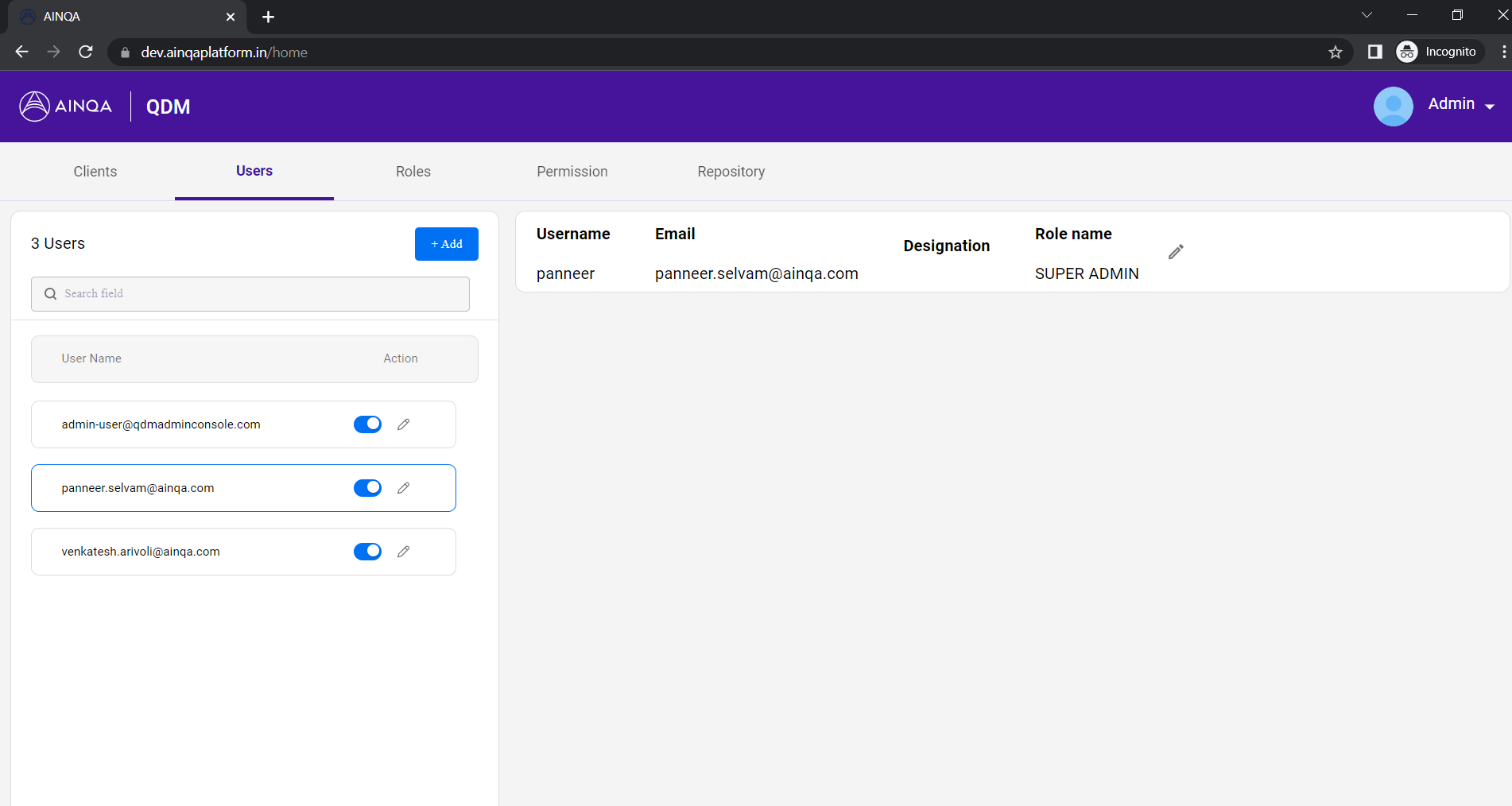
It enables ATP Administrator to add users and tag them to a particular project. User groups and roles are defined to match and provide relevant access and support to the respective user on ATP platform.
Repository
The Repository helps to list the clients added under the ATP platform and assign permissions, Role, and user access to the specific client.
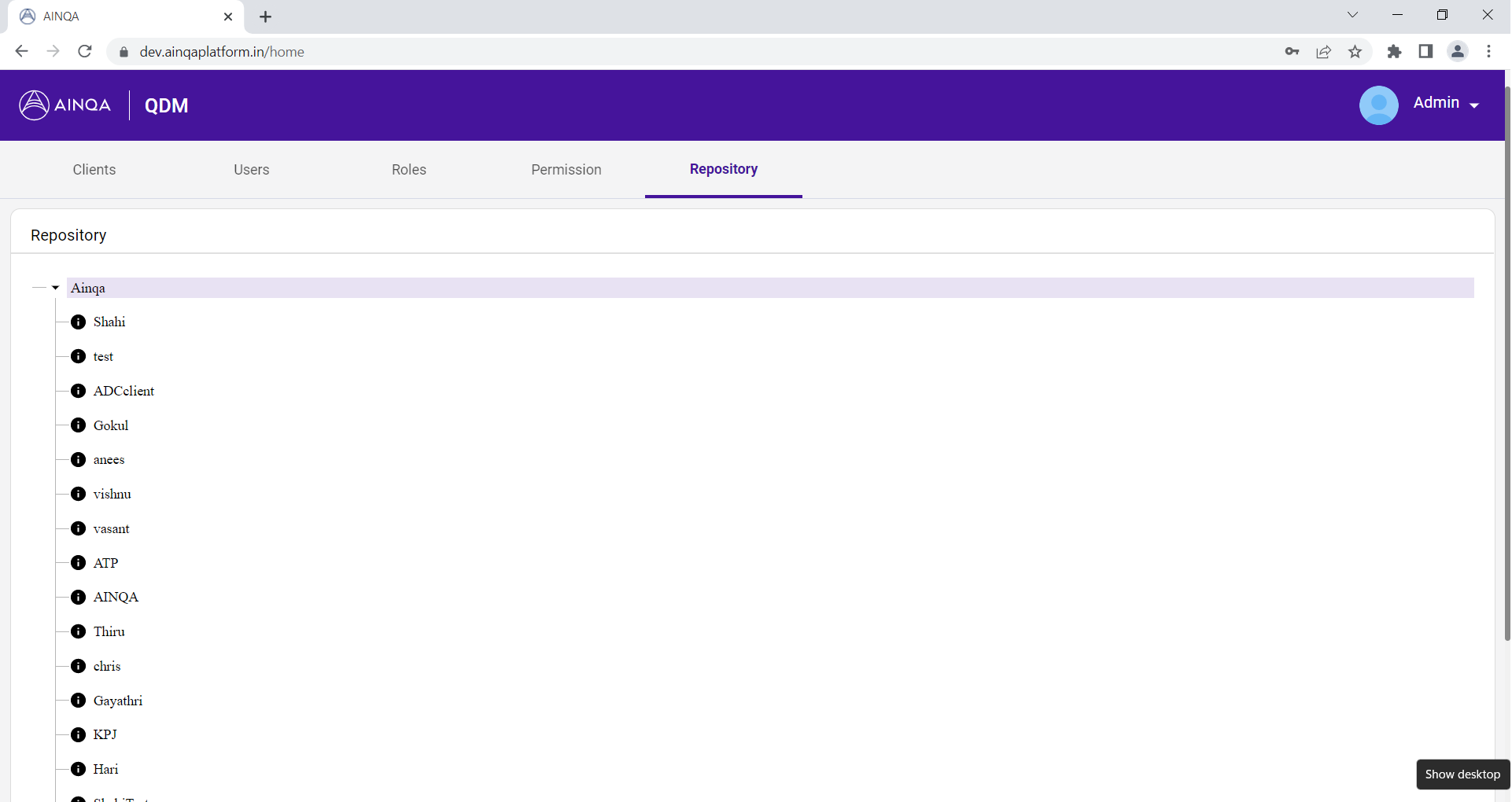
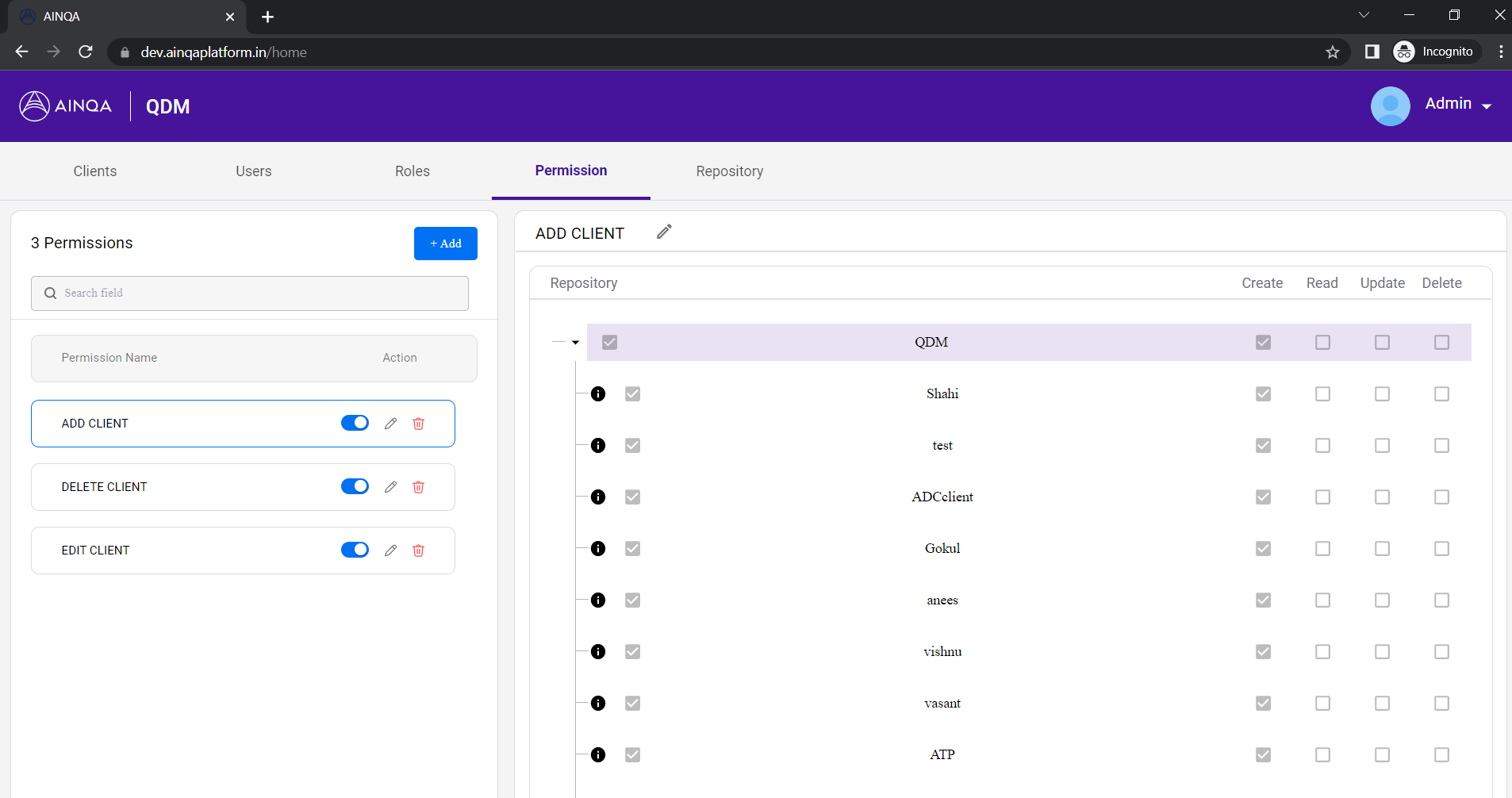
Permission
It enables to create permission (add, edit, update, delete) to the listed clients in the repository. Permissions are assigned to roles.
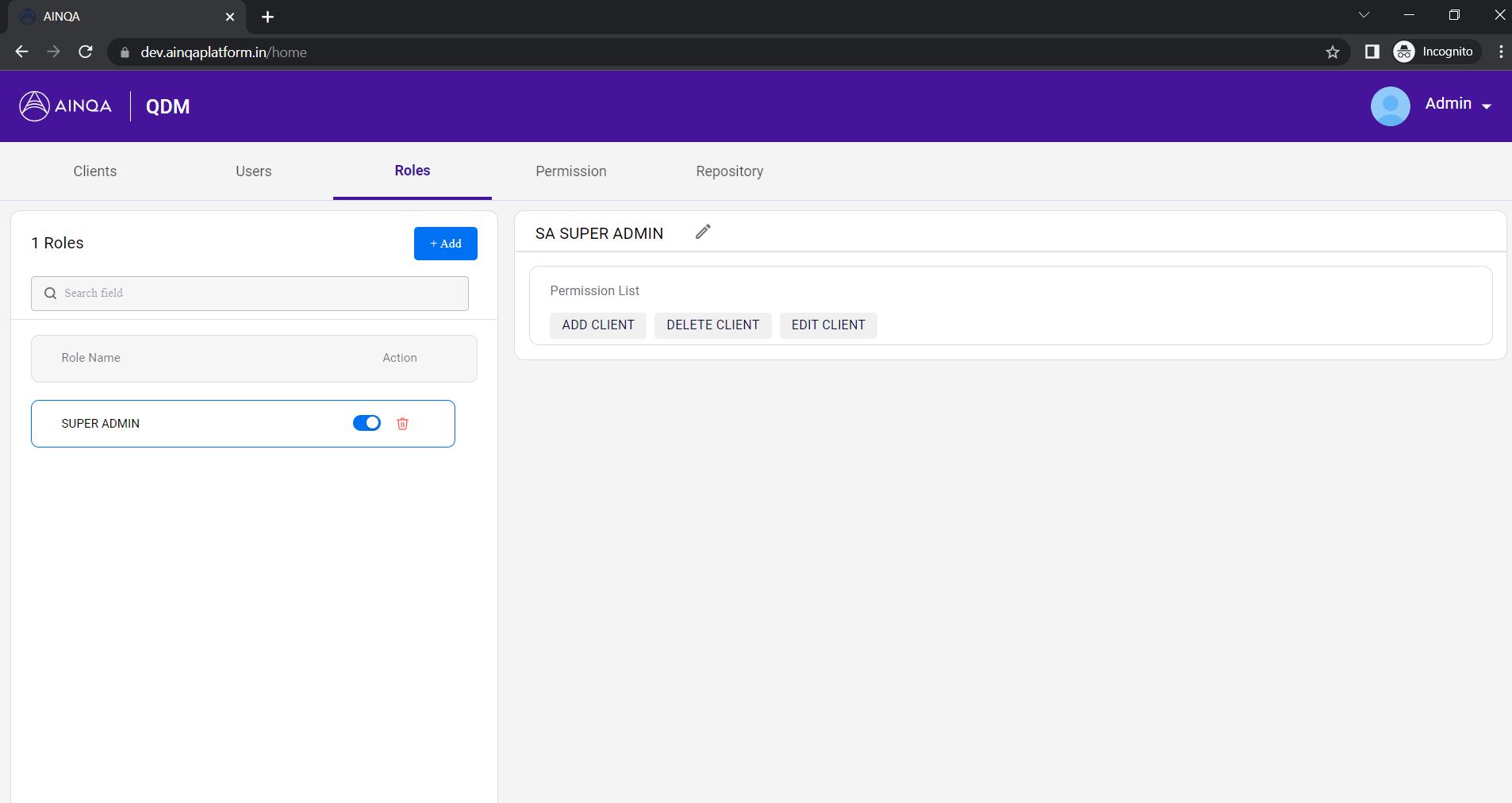
Role
A role is a way to group permissions and assign to users.
User
A user is anyone who accesses ATP platform. Users are assigned to roles which determine user control in ATP platform.